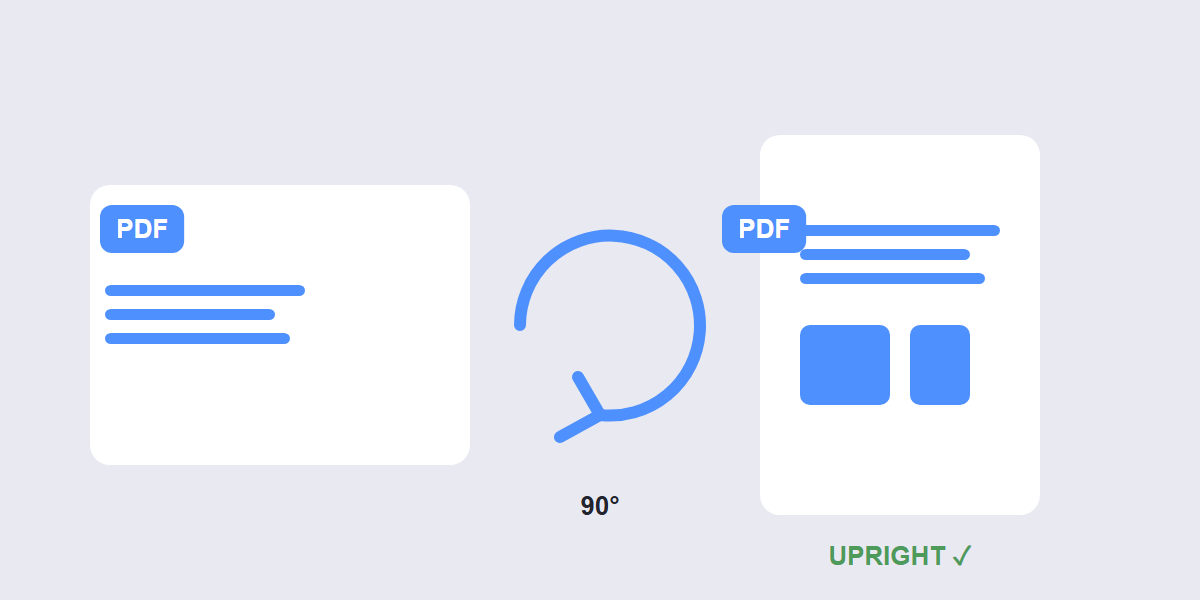
Quick answer: rotating a PDF in a viewer only changes the display â close the file and it snaps back. To rotate PDF pages permanently, open a free rotate tool, turn the pages you need, and download a new PDF with the rotation saved into the file itself.
The sideways-scan problem is universal: you open a scanned contract, half the pages are landscape, you rotate them in your PDF viewer, everything looks right â and the next person opens it sideways again. This guide explains why that happens, and the two-minute fix that makes rotation stick.
Why viewer rotation doesn’t save
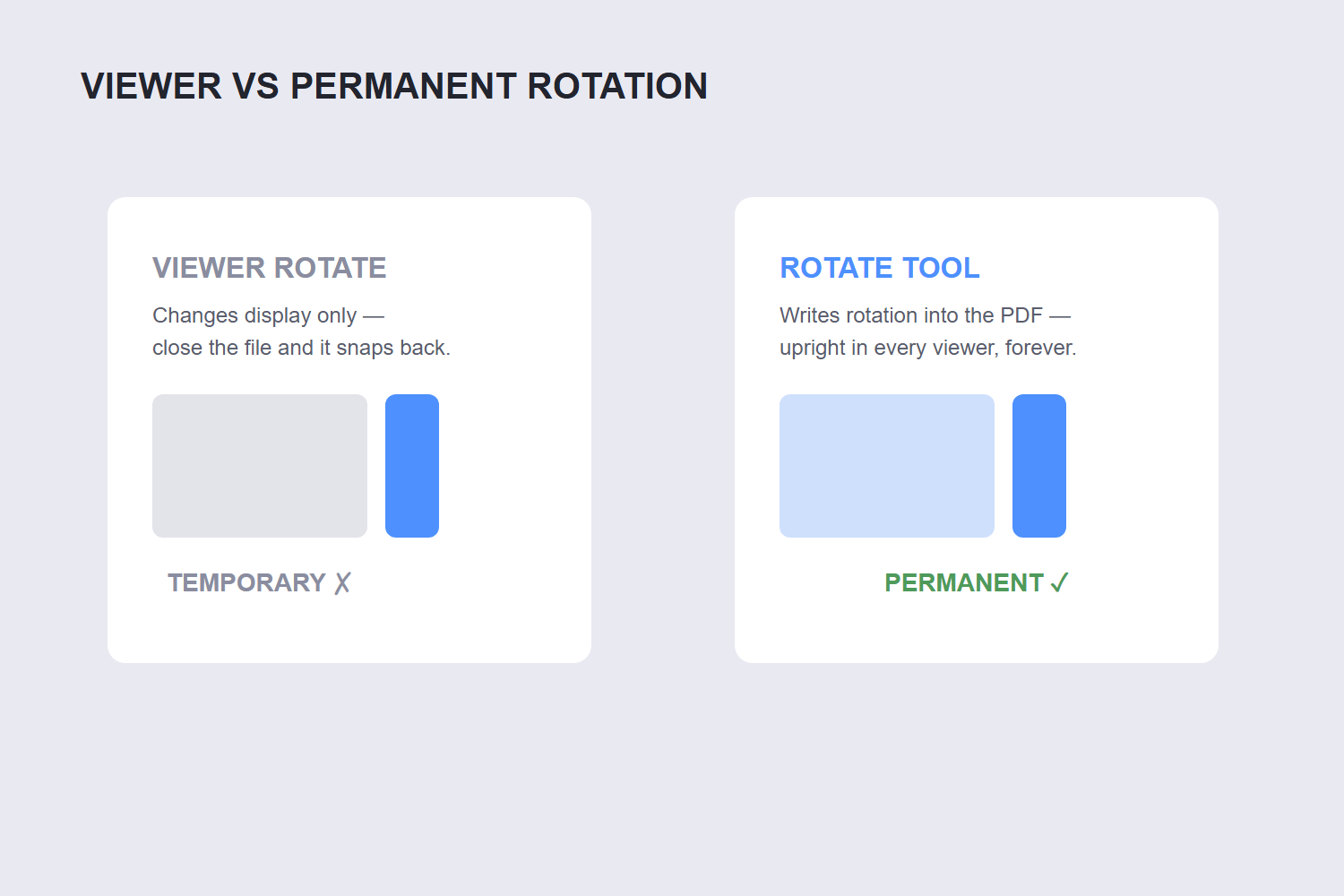
Viewers like Chrome and most mobile apps rotate pages for your viewing session only â they’re changing how the page is displayed, not the file. The rotation flag is never written into the PDF, so every other viewer (and every print job from them) shows the original orientation.
There’s a workaround people use: rotate in the viewer, print to “Save as PDF”, and keep the new file. It bakes the rotation in â at the cost of re-rendering the whole document, which can soften text and bloat the file. A dedicated rotate tool writes a rotation flag into the page definition itself: zero quality change, file size basically unchanged, rotation permanent in every viewer.
How to rotate PDF pages permanently
- Open the tool. Go to the free Rotate PDF tool and drop your file in â processed in your browser, nothing uploaded.
- Rotate all pages or select specific ones. Click pages to select them, then rotate 90° clockwise, 90° counterclockwise or 180°. Repeat until every page is upright.
- Apply and download. The rotation is written into the PDF structure â open the result in any viewer on any device and it stays upright, including when printed.
That last point is the whole point: a permanent rotation survives printing, forwarding and every PDF viewer your recipient might use.
Rotating only some pages
Mixed-orientation documents are the common case â a portrait contract with two landscape annexes, or a scan where pages 4 and 7 went through sideways. The tool handles this with page selection: click just the affected pages, rotate them, and the rest of the document keeps its original orientation.
One subtlety worth knowing: some documents are supposed to have mixed orientation â landscape charts embedded in a portrait report, for example. If the landscape pages display correctly in every viewer already, the rotation flag is already set and there’s nothing to fix. Only rotate pages that actually appear sideways.
The sideways-scan special case
Scanned documents have a second problem rotation can’t fix: if the scan itself captured the page at an angle (not just sideways, but slightly tilted), rotating makes it upright but still crooked. Rotation turns pages in 90° steps â it doesn’t straighten skewed content.
For tilted scans you’d need a deskew feature, which is a different tool category. The good news: 90% of sideways-scan complaints are pure 90° orientation problems, and those fix perfectly with a rotate tool.
And after fixing orientation, if the scan is one long merged file that should be separate documents, the Split PDF tool divides it â rotate first, split second is the right order.
FAQ
How do I rotate a PDF and save it permanently?
Use a dedicated rotate tool rather than a viewer: open the free Rotate PDF tool, turn the pages, and download. The rotation is written into the file itself, so it stays upright in every viewer and when printed.
Why does my rotated PDF keep going back to sideways?
Because your viewer only rotated the display, not the file. Chrome and most mobile viewers rotate for the session only. Permanent rotation requires a tool that writes the rotation into the PDF structure.
Can I rotate only certain pages of a PDF?
Yes â select the specific pages (click them) and rotate just those, leaving the rest untouched. This is the fix for mixed documents like portrait contracts with landscape annexes.
Does rotating a PDF reduce quality?
No â rotation just changes an orientation flag on each page. Text stays vector-sharp, images keep their resolution, and the file size barely changes. Avoid the print-to-PDF workaround if quality matters; it re-renders the whole document.
Can I rotate a PDF on my phone?
Yes â the browser-based Rotate PDF tool works on any device. Drop the file from your phone’s storage, rotate with the buttons, and save the corrected PDF back to your device.
How do I rotate a PDF without Adobe Acrobat?
Use a free browser-based rotator â no install, no account. Drop the PDF in, rotate pages 90° or 180°, and download the permanently rotated file. It works the same on Windows, Mac and mobile.
