Save any webpage as a PDF free â Chrome’s built-in method plus the fixes for cut-off content, missing images and broken layouts that generic printing produces.
PDF Tools
How to Save a Webpage as PDF (Without Cut-Offs) | iLoveIMG
Practical guides for getting documents done: merge PDFs cleanly, convert images without losing quality, protect your files and get better results from every tool. Written by the team that builds the tools — no fluff, just steps that work.
Save any webpage as a PDF free â Chrome’s built-in method plus the fixes for cut-off content, missing images and broken layouts that generic printing produces.
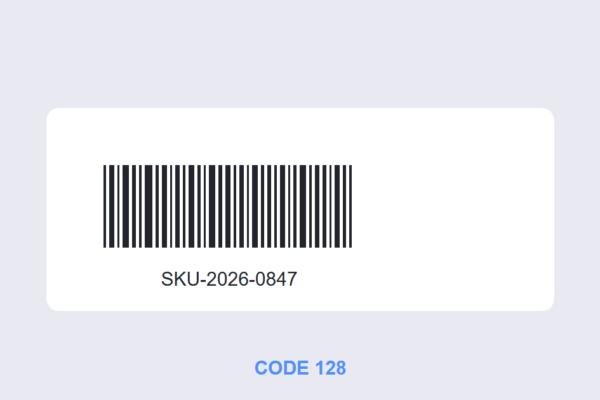
Generate barcodes free in your browser â Code 128 for inventory and shipping, correct sizes, and when a barcode beats a QR code. Print-ready output, no signup.
Unlock a PDF you own: remove the open password or the owner restrictions free, in your browser. Plus the legal line â what you can unlock and what you can’t.
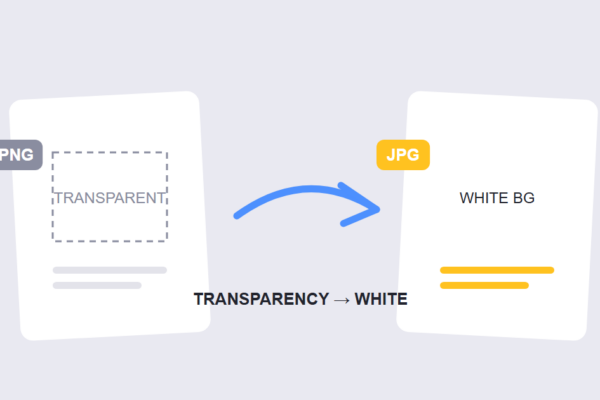
Convert PNG to JPG free in your browser â smaller files for photos, but transparency becomes white. Here’s when to convert and when PNG must stay PNG.
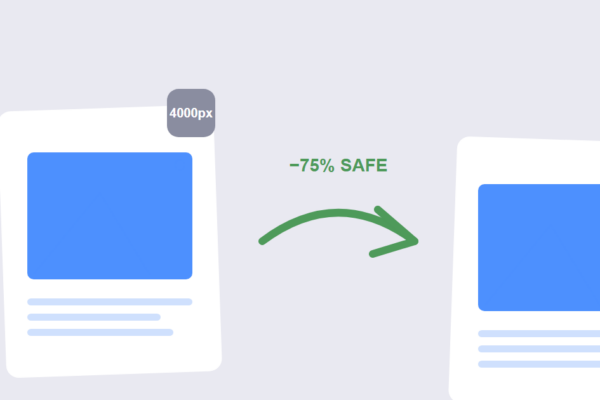
Resize images free without losing quality â why downscaling is safe, upscaling isn’t, and the exact workflow for web, email and print dimensions.
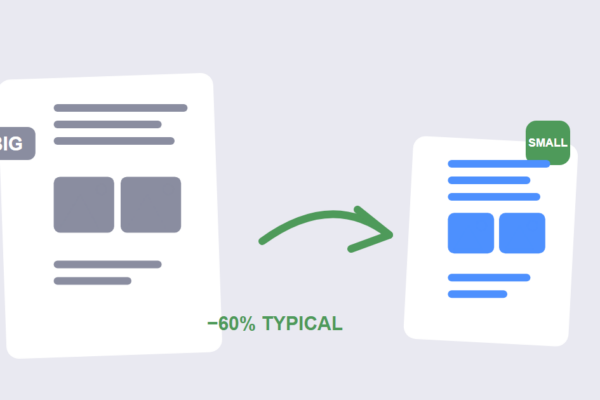
Compress a PDF free in your browser â learn what makes PDFs large (images, fonts, layers) and which compression level keeps text sharp while shrinking the file.
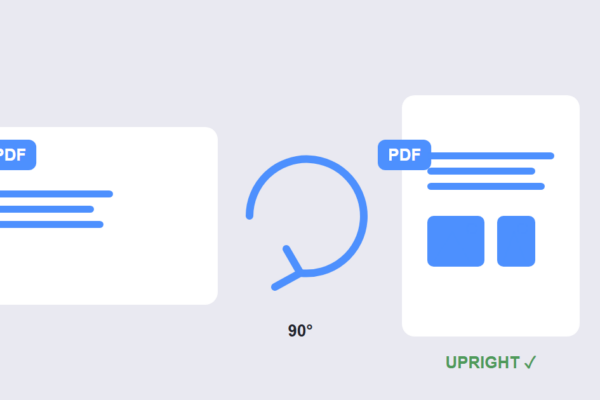
Rotating a PDF in a viewer doesn’t save. Learn how to rotate PDF pages permanently â all pages or just the sideways ones â free, in your browser.
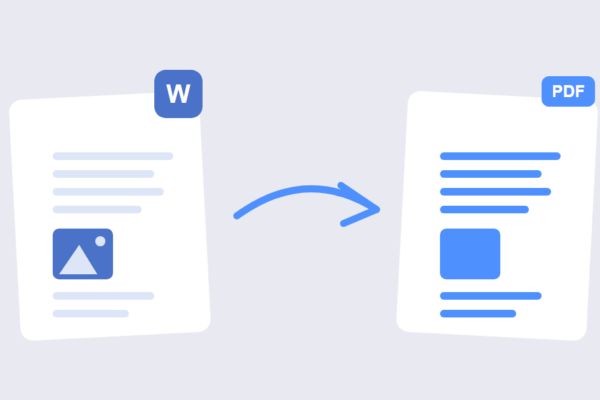
Convert Word to PDF free without losing formatting â the embed-fonts fix, the right conversion settings, and a browser tool that keeps your layout intact.
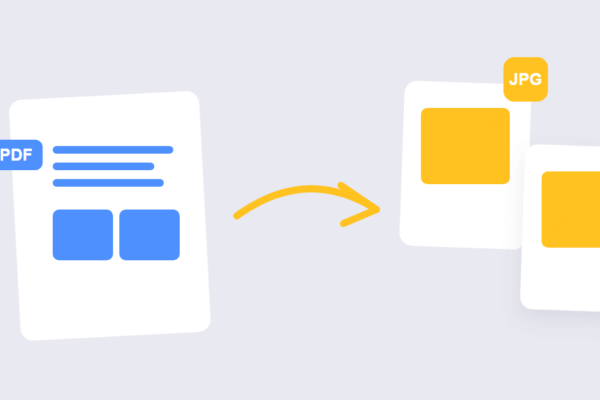
Convert PDF to JPG free in your browser â every page or selected pages, with the right quality settings. No signup, no watermark, files stay on your device.
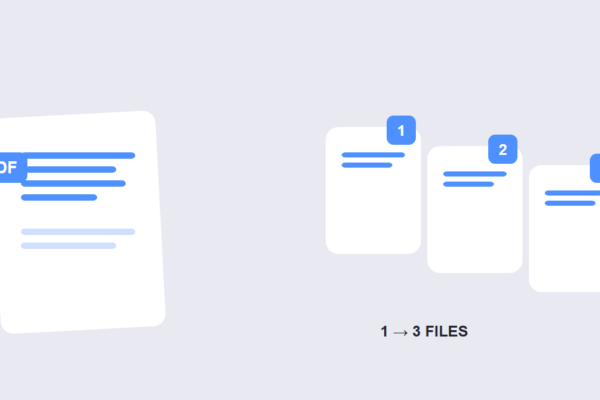
Split a PDF into multiple files free â by page ranges, fixed intervals or single pages. Browser-based, no signup, files never leave your device.
Yes — every guide is completely free, with no signup or paywall. Read them on any device and use the tools they mention right away.
The same team that builds the tools. Every step is tested with real files before publishing, so the instructions match exactly what you will see on screen.
The guides stand on their own, but each one maps to a free tool — so you can go from reading to doing in one click. No account needed for either.
New step-by-step guides are added regularly, covering image workflows, PDF tasks and file utilities. The newest ones always appear first on this page.
Yes — send the topic through the contact page. Requests that help the most people get written first, and every guide stays free.
They are written in plain language with numbered steps and clear explanations. If a step needs a definition, the guide explains it on the spot.