WebP for the web, JPG for sharing and print, PNG for transparency and pixel-perfect graphics. That’s the whole decision, and it holds in 2026 because browser support for WebP is now above 97%. If you only remember one line: whatever ends up on a website deserves to be WebP — in our test it cut the same photo to 76 KB where JPG needed 151 KB at quality 75.
But each format still has a job, and picking wrong costs you real megabytes or visible quality loss. Below: a decision table you can use in ten seconds, our measured file-size comparison (same photo, same pixels, all three formats), and the honest cases where WebP is the wrong answer — including one where it barely beat JPG at all.
Table of contents
- The verdict table
- JPG vs PNG vs WebP: measured file sizes
- Transparency, animation, and other features
- Where each format still wins in 2026
- How to switch formats (without quality loss)
- FAQ
The verdict table
| JPG | PNG | WebP | |
|---|---|---|---|
| Best for | Photos you share, email, or print | Logos, screenshots, transparency | Everything on a website |
| Compression | Lossy | Lossless | Lossy and lossless |
| Transparency | No | Yes | Yes |
| Animation | No | No | Yes |
| Browser support | Universal | Universal | 97%+ (every current browser) |
| Software support | Universal | Universal | Most, but not print shops or old apps |
| Our test photo | 151 KB (q75) | 2,206 KB | 76 KB (q75) / 1,086 KB lossless |
Use it like this: photo going on a website? WebP. Same photo going to a client, a printer, or Instagram? JPG. Screenshot, logo, or anything with see-through areas? PNG — or lossless WebP if it’s staying online.
JPG vs PNG vs WebP: measured file sizes
Every comparison article quotes “WebP is 25–34% smaller” (that’s Google’s official figure), but almost nobody shows you where those numbers come from or where they don’t hold. So we measured, using one 1600×1067 photograph encoded in Chrome on Windows on September 14, 2026 — identical pixels every time:
| Encoding | Size | vs JPG at same quality |
|---|---|---|
| PNG (lossless) | 2,206 KB | 14.6× the size of JPG q75 |
| WebP lossless | 1,086 KB | 51% smaller than PNG |
| JPG q90 | 186 KB | — |
| WebP q90 | 178 KB | 4% smaller — barely worth it |
| JPG q75 | 151 KB | — |
| WebP q75 | 76 KB | 50% smaller |
| JPG q60 | 130 KB | — |
| WebP q60 | 60 KB | 54% smaller |
Three things this table makes obvious. A photo as PNG is a mistake — 2.2 MB for pixels a 151 KB JPG displays identically. WebP’s real advantage lives at web quality levels: at q90 it saved just 4%, which won’t impress anyone, but at q75 it halved the file. And lossless WebP genuinely replaces PNG for web graphics — same zero-loss promise, half the bytes. The one line I’d tattoo on a CMS dashboard: the quality slider matters more than the format.
Transparency, animation, and other features
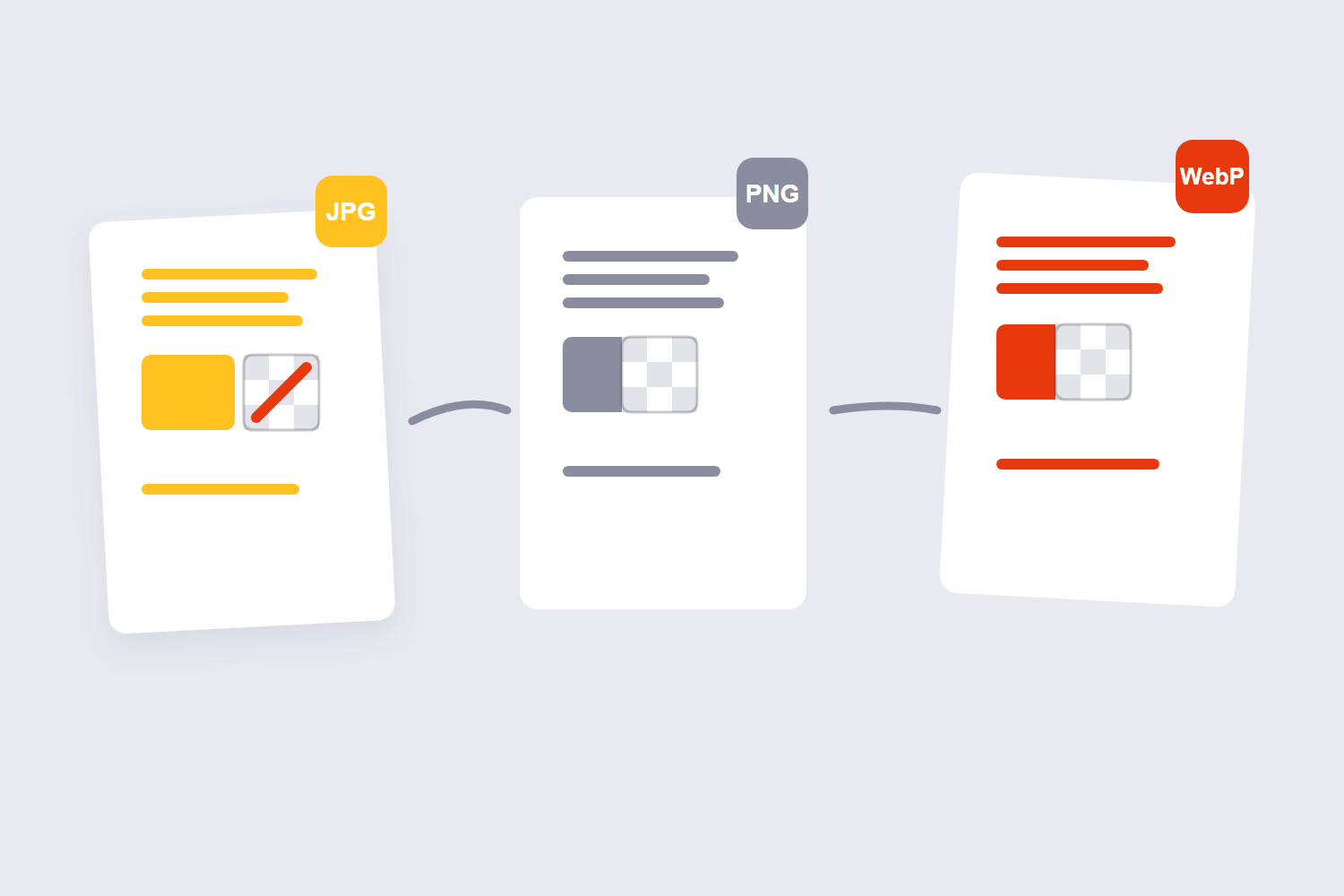
File size isn’t the only difference. JPG is the rigid one here: no transparency and no animation, ever. That alone decides many choices — a logo that must sit on an unknown background can’t be a JPG, period.
PNG handles transparency flawlessly and keeps hard edges razor sharp, which is why it’s never been displaced for screenshots, UI graphics, and logos. What PNG can’t do is animate, and its photos are enormous.
WebP does everything: transparency in both lossy and lossless modes, animation at a fraction of GIF’s size, and both compression types. Feature-wise it’s the superset — the only reasons to look further are compatibility (below) and AVIF, the newer format that compresses a bit harder still but encodes slower and trips over more edge cases. In 2026, WebP remains the pragmatic default.
Where each format still wins in 2026
JPG wins when the image leaves your control. Email attachments open anywhere, print shops accept it without blinking, and social platforms want it — Instagram and Facebook still expect JPG/PNG uploads, not WebP. Camera manufacturers never stopped using it either, which keeps it the interchange standard for photos.
PNG wins on pixel fidelity and transparency. Screenshots of text, app UI, wireframes, and logos with see-through backgrounds belong in PNG. If a graphic needs to survive cropping, re-editing, and re-saving without generational damage, lossless formats are the only safe home for it.
WebP wins for anything a browser displays. Blog images, product photos, portfolios, marketing pages — that’s where the 50% savings compound across every page view. Roughly 21.8% of all websites already serve WebP (W3Techs), and the share only moves one way. The stragglers are tools, not browsers: a couple of old internal apps and some CMS plugins. For those, serve JPG with WebP alongside — but that’s optimization beyond most sites’ needs now.
How to switch formats (without quality loss)
Format conversion is a one-tool job in your browser, no uploads involved:
- Decide the destination format using the table above — when in doubt, WebP for web, JPG for everything else.
- Open the matching tool: PNG to JPG, JPG to PNG, or the all-rounder Image Convert for anything to anything (BMP and GIF included).
- Set quality 75–80 when converting to a lossy format; leave it alone for lossless targets.
- Convert and download — everything happens locally in your browser.
One warning worth repeating: convert from the best file you have, because each trip through a lossy format compounds. PNG → JPG at q75 once is invisible; JPG → WebP → JPG → WebP is a mush factory. And for the deep dive on the quality dial itself, our WebP conversion guide and compression guide carry the full measured numbers.
FAQ
Is WebP replacing JPG?
On the web, effectively yes — every current browser renders it and the size advantage is too large to ignore. Off the web it isn’t close: cameras, printers, email chains, and social platforms still run on JPG. Think of JPG as the shipping container and WebP as the display format.
Is PNG better quality than JPG?
PNG is lossless, so it preserves the exact pixels — “better” in a technical sense. For a photograph on a screen, a quality-75 JPG is visually indistinguishable while weighing a fraction of the PNG. PNG’s quality edge matters for screenshots, text, and graphics, not typical photos.
Why do designers still use PNG?
Because their work needs what PNG guarantees: transparency and pixel-perfect edges that survive re-editing. A logo file gets cropped, recolored, and re-saved dozens of times in its life — lossless formats are the only safe home for a master file like that.
Does Instagram accept WebP uploads?
Unreliably at best — Instagram and Facebook want JPG or PNG, and their servers re-compress uploads regardless. Export social posts as JPG at 85–90 quality; our social media image sizes guide covers the pixel dimensions too.
Can WebP be lossless?
Yes — WebP lossless keeps every pixel exactly, and in our test it made the same image 51% smaller than PNG. It’s a legitimate PNG replacement for web graphics, as long as you don’t need the file to open in older software.
Which format should I use for email attachments?
JPG. Mail clients everywhere display it, print shops take it, and recipients can open it in anything. A q75–80 JPG also keeps the attachment under typical size limits without visible loss.
