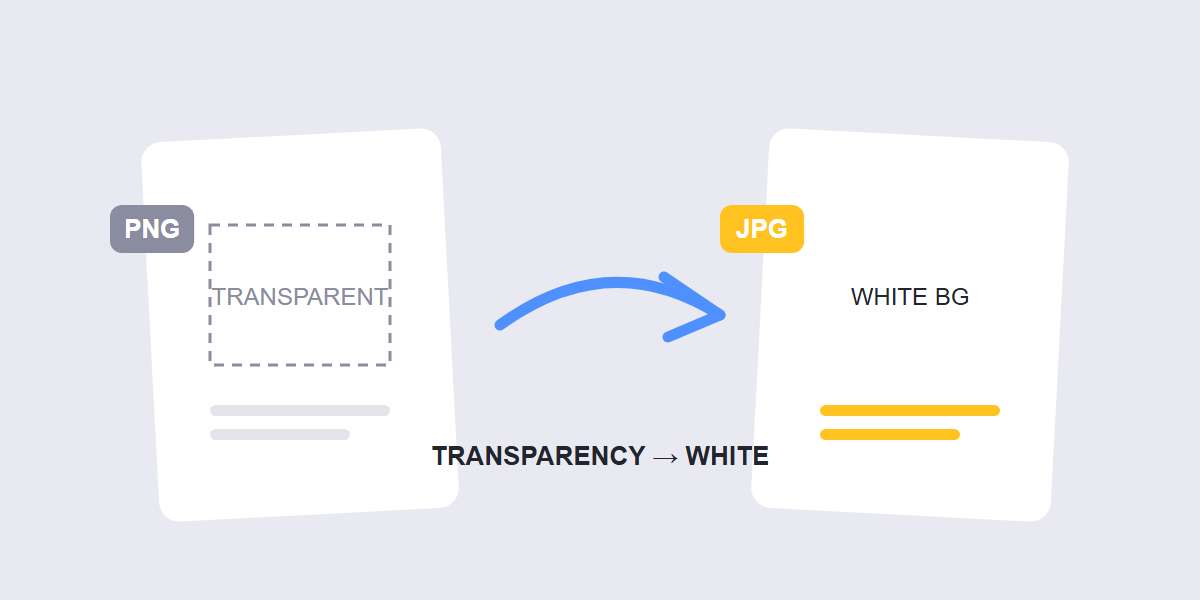
Quick answer: to convert PNG to JPG, drop your file into a free converter and download the JPG â but know the trade first: JPG can’t store transparency, so transparent areas become white (or a color you choose), and file sizes drop dramatically for photos.
PNG to JPG is a five-second job with one permanent consequence. This guide covers the conversion, the transparency rule that decides everything, and the cases where converting is a mistake you’ll notice immediately.
How to convert PNG to JPG step by step
- Open the converter. Go to the free PNG to JPG tool and drop your file in â batches work, everything runs in your browser.
- Pick the background fill if the PNG is transparent. White is the standard choice for web and documents; pick a brand color if the image sits on a colored surface.
- Set the quality. 85â90% is the sweet spot for photos â visually identical, much smaller file.
- Convert and download. The JPG is ready instantly.
If the image is a screenshot, document scan or anything with fine text, double-check the “when not to convert” section below before you commit â the JPG format is wrong for some jobs no matter how it’s converted.
The transparency rule
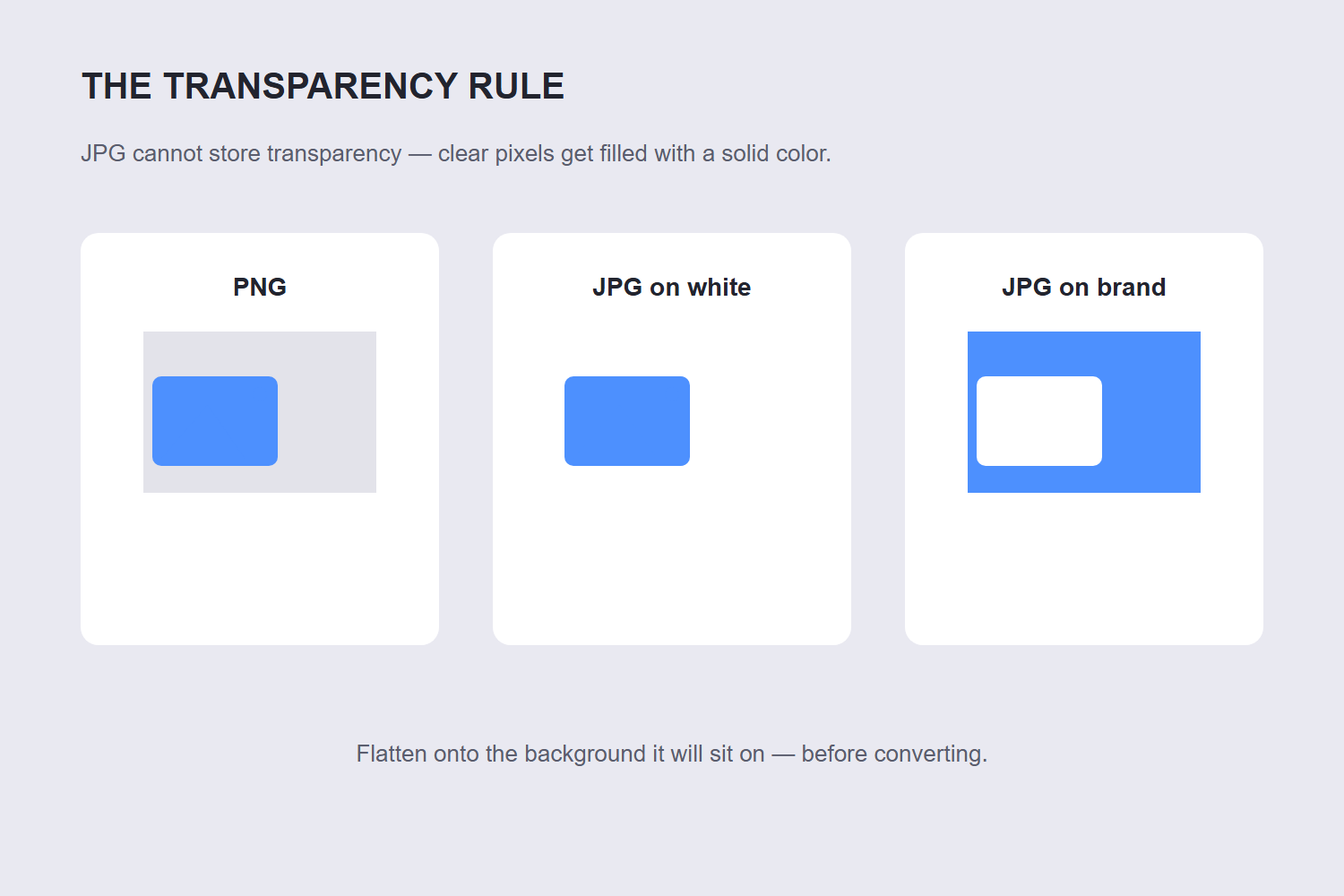
PNG stores an alpha channel â per-pixel transparency. JPG has no such concept; every pixel must be a solid color. So when a transparent PNG converts to JPG, every clear pixel gets filled with a background color, and white is the near-universal default.
This is why converted logos suddenly sit in white boxes, and why website headers with transparent PNG graphics “break” after conversion. The converter isn’t broken â the destination format is physically incapable of transparency.
The pro move: before converting a transparent PNG, flatten it onto the actual background color it will sit on. The three web formats differ in what they keep. JPEG discards detail permanently to shrink size, PNG stores every pixel losslessly and supports transparency, and WebP can do either — lossy or lossless — usually landing 25–35% smaller than an equivalent JPEG or PNG. A logo destined for a navy website header should be flattened onto navy, not white â otherwise you get a white halo box around it.
When to convert (and when not to)
| Convert PNG â JPG when | Keep PNG when |
|---|---|
| The image is a photograph or scan | It has transparency you need (logos, overlays) |
| A form or site only accepts JPG uploads | Sharp edges matter: screenshots, diagrams, text graphics |
| You need a smaller file for email or storage | You’ll re-edit the image repeatedly (lossless survives editing) |
| The image sits on a solid background anyway | The source will be resized/processed again later |
The middle ground matters too: converting a photographic PNG to JPG saves enormous space with no visible loss. Converting a graphic PNG (flat colors, text) to JPG saves less and adds fuzz around edges â that’s the case where keeping PNG is genuinely better, and our JPG vs PNG vs WebP comparison covers it with measured file sizes.
What happens to file size
Photographic PNGs are enormous â PNG’s lossless compression is the wrong tool for photos, often 3â10Ã larger than the same photo as a quality-85 JPG. Converting a photo PNG to JPG typically cuts the file by 60â80% with no visible difference.
Graphics PNGs behave differently: a flat-color graphic might shrink only 30â50% going to JPG, while gaining edge fuzz â the worst of both worlds. That’s the signal to keep it PNG (or consider WebP, which compresses photos and keeps transparency; our WebP conversion guide covers it).
FAQ
How do I convert PNG to JPG for free?
Open the free PNG to JPG converter in your browser, drop the file in, choose the background color for transparent areas, set quality around 85â90%, and download. No installs, and the conversion runs on your device.
Why did my PNG turn white when I converted it to JPG?
Because JPG has no transparency â the clear pixels had to become a solid color, and white is the default fill. JPEG has no alpha channel at all, so any transparency in the source is filled with white (or another colour you choose) the moment you save as JPEG. PNG and WebP both carry alpha. If you need a different background, use a converter that lets you pick the fill color, or flatten the PNG onto your target background before converting.
Does converting PNG to JPG reduce quality?
JPG is lossy, so quality 90+ conversions are visually indistinguishable for photos â but sharp-edged graphics and text pick up slight fuzz. And transparency is always lost. Convert copies, keep the PNG original if you might need transparency later.
Which is better, PNG or JPG?
Depends on the image: PNG for transparency, screenshots, text graphics and anything re-edited; JPG for photos and upload-restricted forms. Photos in PNG format waste enormous space â that’s the case where JPG is strictly better.
Can I convert PNG to JPG on my phone?
Yes â the browser-based PNG to JPG tool works in any mobile browser: add the file from your photos, convert, and save the JPG back to your device. Batch conversion handles whole albums.
How do I keep transparency and still get a small file?
Convert to WebP instead of JPG â WebP supports transparency and compresses photos hard. The WebP conversion guide covers the workflow and measured size savings.
