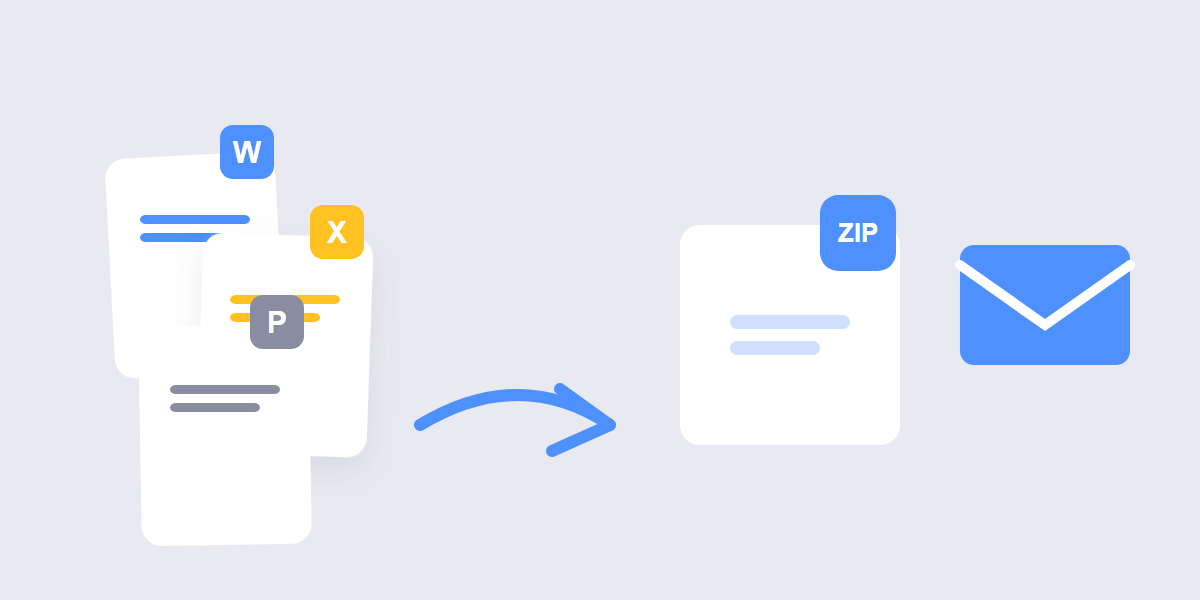
Email attachment limits explained (Gmail 25 MB, Outlook 20 MB), the 2-minute zip workflow, and the honest truth about which file types actually compress.
File Utilities
How to Zip Files for Email (and What Actually Shrinks)
Practical guides for getting documents done: merge PDFs cleanly, convert images without losing quality, protect your files and get better results from every tool. Written by the team that builds the tools — no fluff, just steps that work.
Email attachment limits explained (Gmail 25 MB, Outlook 20 MB), the 2-minute zip workflow, and the honest truth about which file types actually compress.
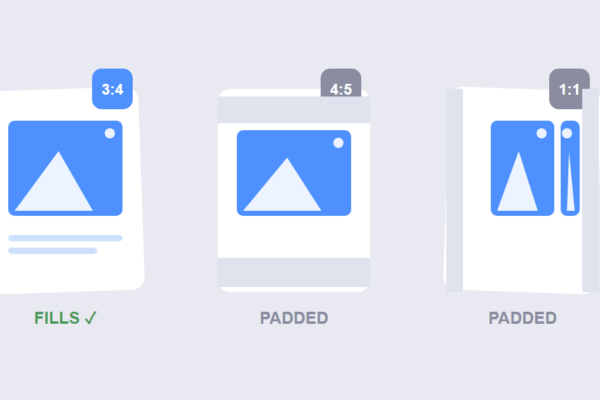
The 2026 Instagram grid is 3:4 portrait. Learn the exact crop sizes, the safe-zone rule, and a 60-second workflow so your photos never get clipped.
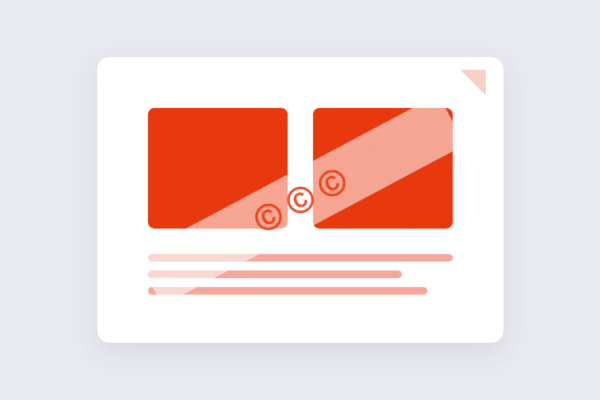
Watermark photos free in your browser in 4 steps — plus the honest 2026 verdict on what watermarks stop (and don’t), and the layered protection photographers actually use.
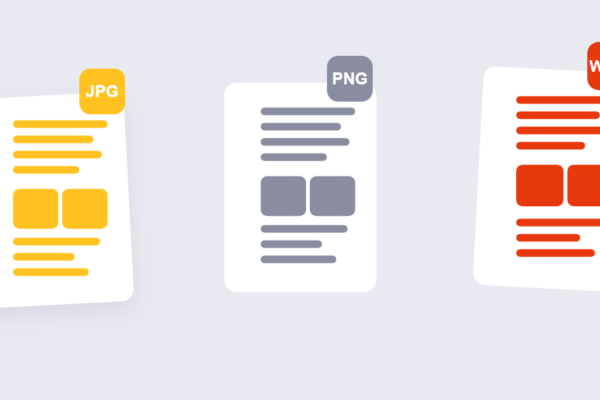
JPG vs PNG vs WebP, settled with real measured file sizes: when each format wins in 2026, where WebP disappoints, and the 3-line rule to pick the right one every time.
Compress images without losing quality in your browser. We measured real file sizes at quality 90, 75 and 60 — here’s the setting to pick and what you’ll save.
Convert images to WebP free in your browser — no uploads. We measured real file sizes at every quality level, so you’ll know exactly which setting to pick.
The 2026 image sizes you actually need: Instagram’s 3:4 grid, Reels safe zones, Facebook, X, LinkedIn, TikTok, YouTube — plus a 60-second resize workflow.
Merging PDFs sounds like it should be foolproof: upload a few files, combine them, download one document. Most of the time it…

Creating a QR code takes seconds: type in a URL or some text, generate the code, download the image. The part that…
Password protecting a PDF takes about ten seconds: upload the file, set a password, download the result. The part most guides skip…
Yes — every guide is completely free, with no signup or paywall. Read them on any device and use the tools they mention right away.
The same team that builds the tools. Every step is tested with real files before publishing, so the instructions match exactly what you will see on screen.
The guides stand on their own, but each one maps to a free tool — so you can go from reading to doing in one click. No account needed for either.
New step-by-step guides are added regularly, covering image workflows, PDF tasks and file utilities. The newest ones always appear first on this page.
Yes — send the topic through the contact page. Requests that help the most people get written first, and every guide stays free.
They are written in plain language with numbered steps and clear explanations. If a step needs a definition, the guide explains it on the spot.